Tag: Performance
-
10 Best React Performance Monitoring Tools in 2026
Choosing the right React performance monitoring tools starts with a hard truth: the React Profiler tells you nothing about what happened to a real user on a three-year-old Android phone last night. Local development hides the exact conditions that break production performance: device CPU, network quality, and every API call your components depend on. This…
-
Trace Explorer Gets a Smarter Way to Investigate Distributed Traces
When a request fails, it rarely fails in one place. It moves through multiple layers: network, application code, and database, with each layer adding its own step to the journey. When something breaks, the hard part is finding exactly which layer, which step, and which downstream call actually caused it, not just that the request…
-
React Error Monitoring: A Practical Guide to Catching, Debugging, and Fixing Production Errors
React error monitoring only works if you can see the errors your error boundaries hide. Most production failures in a React app never reach a dashboard. They happen inside event handlers, async code, and promise rejections that boundaries were never built to catch. Middleware RUM captures those errors as they happen, unminifies the stack, and…
-
How to Upload Source Maps for Real User Monitoring So Stack Traces Aren’t Minified
Source maps are JSON files that map your minified, bundled JavaScript back to the original file and line number you wrote. Real User Monitoring (RUM) tools use them to turn a.js:1:48213 into checkout/validateCard.ts:42. This guide covers why minified traces show up, how upload-and-match works, and how to automate it in CI/CD. The real challenge isn’t…
-
Incident Correlation: How to Automatically Group Related Alerts From the Same Root Cause
Incident correlation automatically links alerts, logs, traces, and metrics from the same failure into one incident, instead of paging on each signal separately. This article covers how correlation works, the main grouping techniques, and how to apply them when one outage floods your on-call channel with dozens of alerts. The core trade-off is speed versus…
-
OpenTracing vs. OpenTelemetry: Key Differences and Migration Guide
If you searched for opentracing vs opentelemetry because your instrumentation still imports an OpenTracing library, you are looking at a dependency that CNCF archived years ago. This guide lays out what actually changed between the two projects, why the switch matters for your traces today, and a concrete path to move your services onto OpenTelemetry…
-
Auto-Fixing API Errors Before They Hit Users: How OpsAI Correlates APM Traces and Frontend Sessions
A payment API times out, a checkout throws a 500, and your dashboards stay green the whole time. That’s not a monitoring gap, it’s a structural one: backend alerting only sees aggregate metrics, not what a single user just experienced in their browser. Middleware OpsAI closes that gap by correlating APM traces with RUM sessions…
-
How AI-Driven Alerts Caught a Memory Leak Before It Became an Outage
A memory leak was growing quietly in production, invisible to threshold-based monitoring. Within hours of deploying the middleware, the team behind it received an AI-driven alert that flagged the anomaly before it could cascade into a full outage. TL;DR A memory leak grew silently in production until an AI-driven alert flagged the anomaly hours before pods would…
-
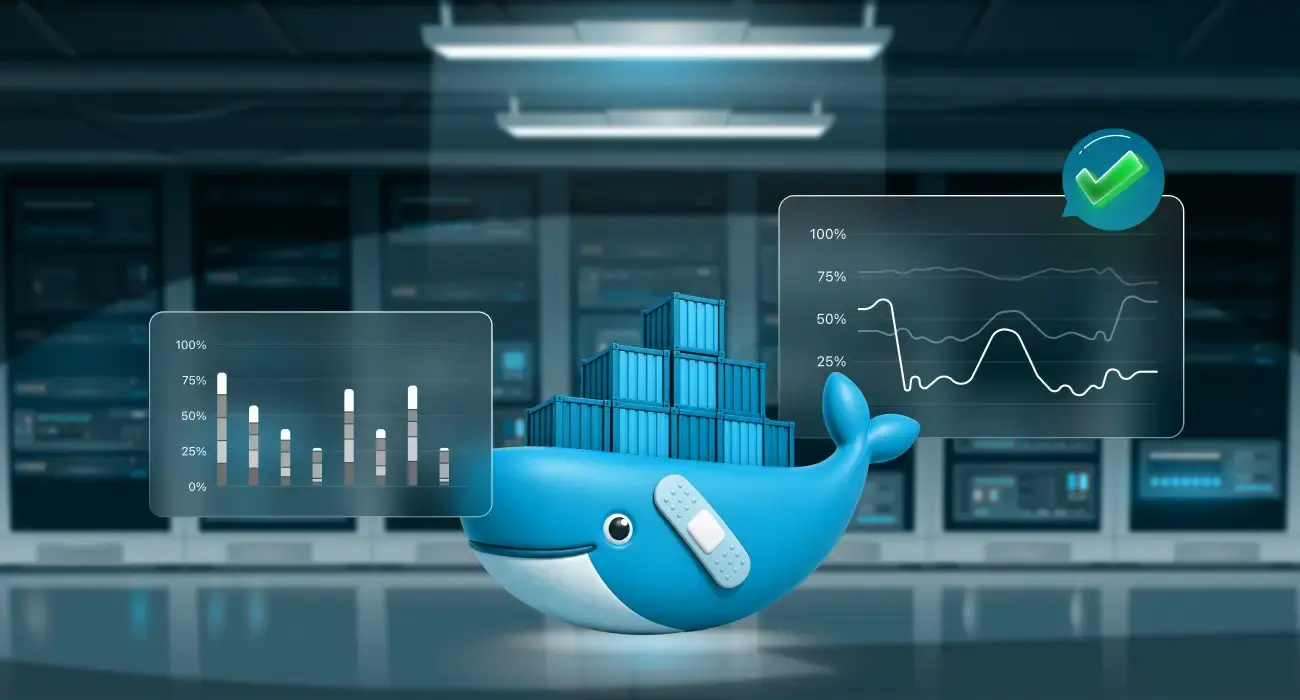
Docker Health Checks: How to Monitor, Configure, and Troubleshoot Container Health
Docker health checks are used to determine if an application running inside a container is actually functioning correctly and not just if the container process is running. A container can appear “up” while its application is unresponsive, misconfigured, or unable to reach required dependencies. Health checks solve this gap by actively validating real application behavior.…
-
Database Optimization: A Complete Guide to Faster Queries and Better Performance
Summary: Database optimization is the practice of tuning queries, indexes, and infrastructure so your database returns results faster while using fewer resources. Most performance problems come from missing indexes, inefficient queries, or undersized resources, and most can be fixed without rebuilding your system. The biggest mistake teams make is optimizing before measuring, which wastes time…
-
OOMKilled Kubernetes Error: How to Detect, Fix, and Prevent It
OOMKilled Kubernetes error is one of the most disruptive errors in containerized production environments. The Linux kernel kills your container mid-flight with no warning, drops all in-flight requests, and forces Kubernetes to restart the workload from scratch. If the root cause is not addressed, the cycle repeats until the pod enters CrashLoopBackOff and your service…
-
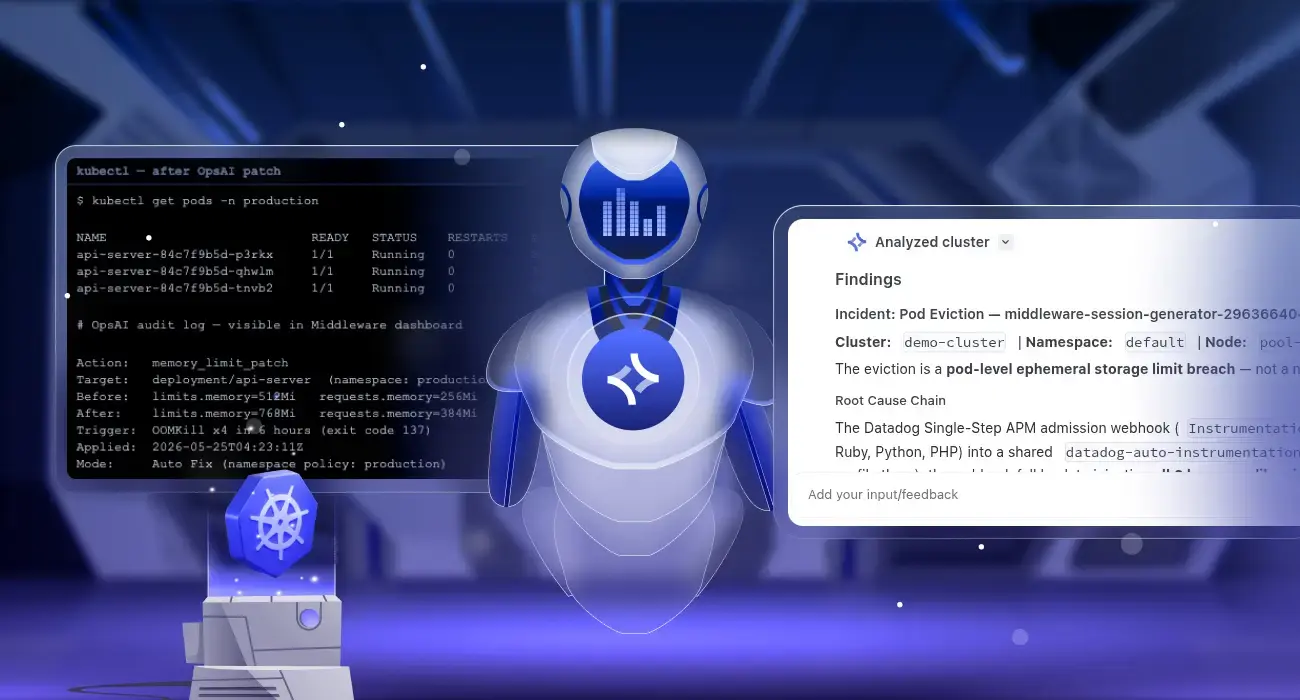
Kubernetes Self-Healing: Automatic Pod Crash Remediation with OpsAI
Kubernetes pod crash auto-remediation is the ability to automatically detect why a pod crashed and apply a permanent fix without human intervention. Middleware OpsAI does this by monitoring Kubernetes events, pod metrics, and container logs in real time, diagnosing the root cause of each failure, and patching the cluster directly, for example, raising a memory…
